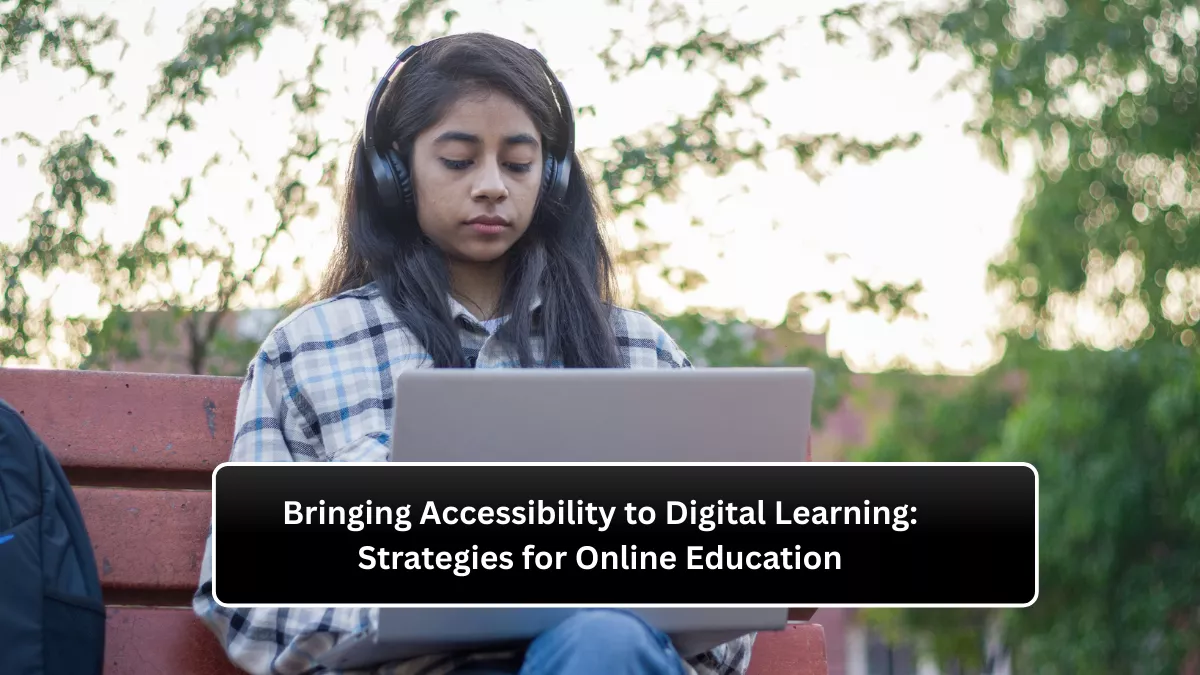
Imagine logging into an online class only to find that the text is too small to read, videos lack captions, and the interface is impossible to navigate with assistive tools. For millions of learners with disabilities, this is not an isolated experience—it is a daily challenge. As education continues to shift toward digital platforms, accessibility has become not just a moral obligation but a cornerstone of inclusive and equitable learning. Ensuring every learner can participate fully, regardless of ability, is essential for true educational progress.
This article explores the principles and practical strategies that make online education accessible to all. Readers will gain an in-depth understanding of why accessibility matters, what barriers exist, and how educators, institutions, and technology developers can create inclusive digital learning environments that empower every student to succeed.
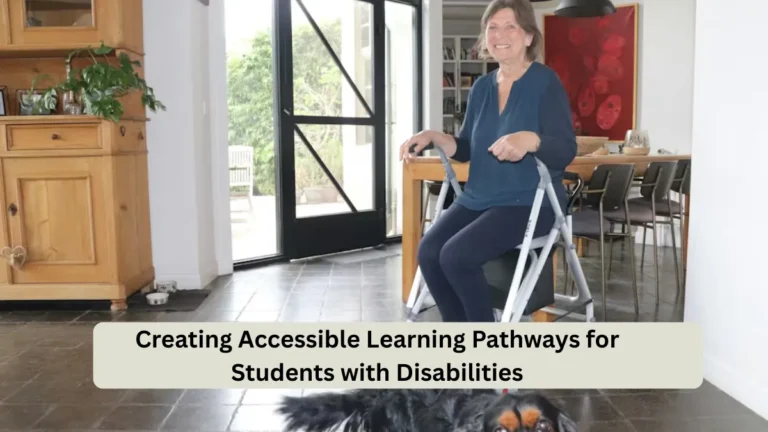
 Creating Accessible Learning Pathways for Students with Disabilities
Why Accessibility in Digital Learning Matters
Accessibility in education ensures that all learners, including those with disabilities, have equal opportunities to engage, participate, and thrive. Digital platforms are powerful tools for democratizing learning, but they can also unintentionally exclude individuals if not designed with accessibility in mind. Students who are blind, deaf, or have cognitive or mobility challenges often face obstacles such as unreadable text, missing captions, or inaccessible assessments.
Moreover, accessibility is not only about disability—it benefits everyone. Features such as closed captions help non-native speakers, voice navigation supports multitasking learners, and simplified interfaces improve comprehension for users of all ages. In short, accessibility enhances usability for all.
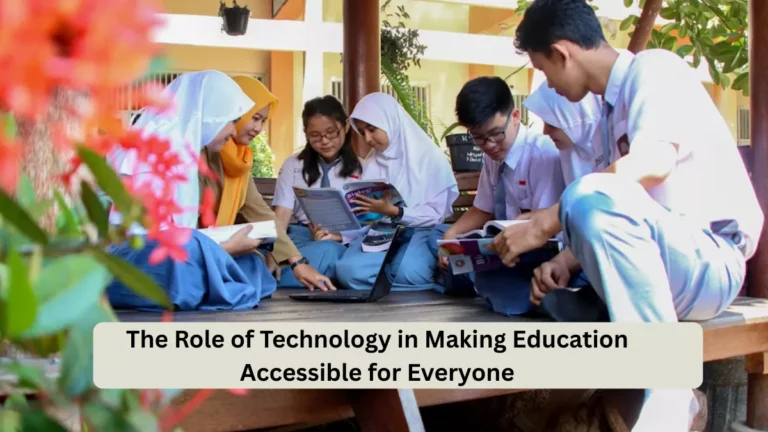
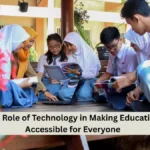 The Role of Technology in Making Education Accessible for Everyone
When educational institutions commit to accessibility, they foster a culture of inclusivity, improve learner outcomes, and meet international standards such as the Web Content Accessibility Guidelines (WCAG). More importantly, they communicate a clear message: education is for everyone.
Understanding the Barriers in Online Learning
The first step toward accessible education is recognizing the obstacles that learners face. Digital barriers can arise from the way content is presented, how platforms are designed, and even how teachers interact with students.
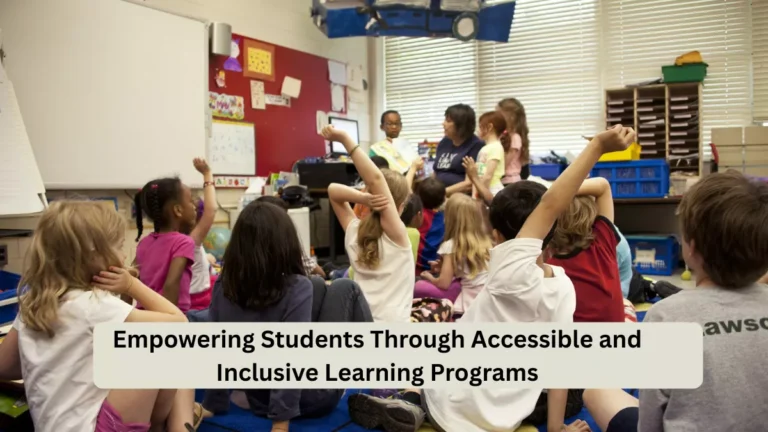
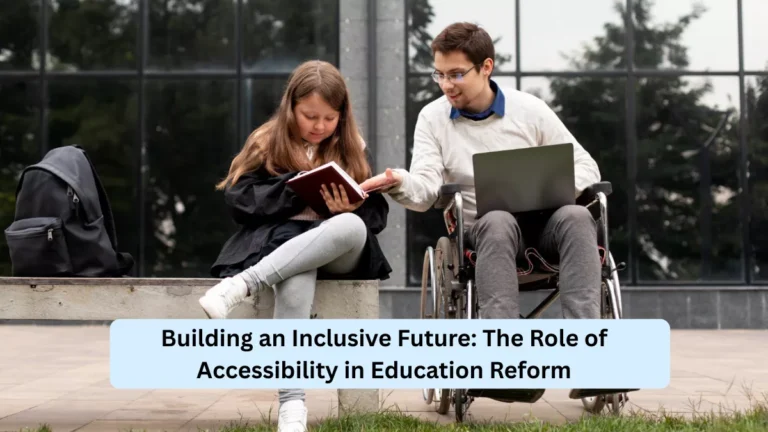
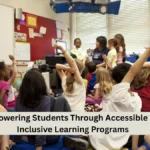 Empowering Students Through Accessible and Inclusive Learning Programs
Visual barriers are among the most common. Learners with visual impairments may struggle with small fonts, poor contrast, or images lacking alternative text. Without screen reader compatibility, many cannot interpret content effectively.
Hearing barriers can make video-based learning challenging. A lecture without captions or transcripts excludes students who are deaf or hard of hearing. Similarly, audio instructions without visual cues can limit comprehension.
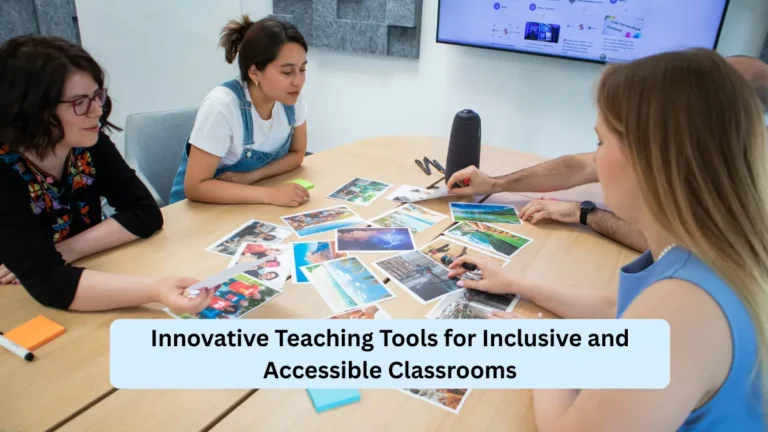
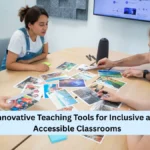 Innovative Teaching Tools for Inclusive and Accessible Classrooms
Cognitive and learning disabilities create another layer of difficulty. Overly complex navigation, dense text, or distracting visuals can overwhelm learners with attention or memory challenges. Simplified structures and consistent design patterns can reduce these cognitive loads.
Finally, motor barriers affect learners who cannot use a mouse or keyboard efficiently. Inaccessible interfaces without keyboard shortcuts or touch-friendly options can prevent them from engaging with content.
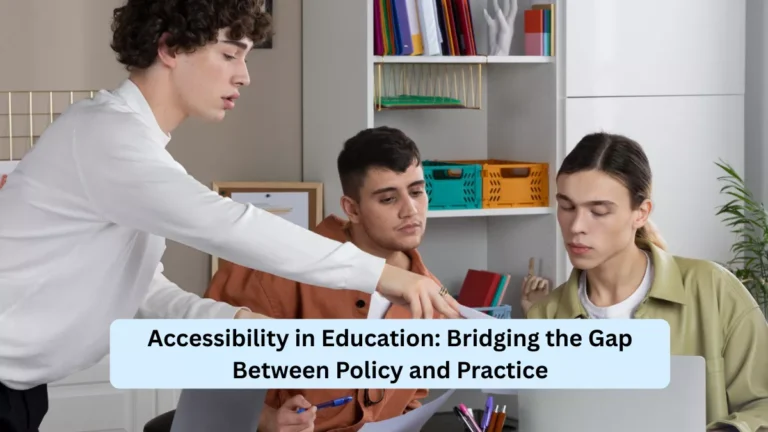
 Accessibility in Education: Bridging the Gap Between Policy and Practice
Designing Accessible Online Courses
Creating accessible online education begins at the course design stage. Educators must think beyond aesthetics and prioritize functionality that serves diverse needs. The design process should anticipate potential barriers before they arise.
Content must be perceivable. Text alternatives for images, captions for videos, and transcripts for audio make information accessible to those with visual or hearing impairments. Choosing fonts that are clear and adjusting color contrast ensures readability across devices.
Interaction must be operable. Students should be able to navigate platforms using keyboards, voice commands, or adaptive technologies. Buttons, menus, and links should be clearly labeled and logically placed.
Information must be understandable. Instructions should be clear, concise, and consistent throughout the platform. Using plain language helps learners of varying literacy levels, while structured headings and summaries aid comprehension.
Lastly, the experience must be robust. Online systems should work well with assistive technologies such as screen readers and text-to-speech software. Testing platforms with real users who rely on these tools provides valuable insights into usability.
Inclusive Teaching Practices in Virtual Classrooms
While technology plays a major role, teaching practices are equally crucial. An accessible digital course is not just about platform design—it is also about how educators deliver and manage learning.
Instructors should start by providing multiple means of engagement. Offering video lectures, written notes, and interactive discussions accommodates different learning preferences and abilities. Some learners may process information better through reading, while others rely on audio or visual cues.
Flexibility in assessment is another key element. Instead of a single exam format, educators can allow students to demonstrate understanding through essays, presentations, or projects. This approach reduces stress and allows students to play to their strengths.
Timely communication and feedback also enhance accessibility. Students who struggle with certain tools or formats need quick responses and support. Creating a clear communication channel through chat, email, or scheduled meetings helps maintain inclusion.
Educators must also be mindful of time constraints. Learners with disabilities may require more time to complete tasks. Providing extended deadlines and allowing asynchronous participation ensures fairness and accessibility.
The Role of Technology in Accessibility
Technology has become the backbone of digital learning, and its role in accessibility cannot be overstated. From adaptive software to artificial intelligence, innovations are transforming how learners with disabilities engage in education.
Screen readers convert text into speech, allowing visually impaired students to access written content. Voice recognition tools enable learners with limited mobility to type or navigate interfaces using speech commands. Captioning tools powered by AI make videos more inclusive, while real-time translation systems assist non-native speakers.
Learning Management Systems (LMS) such as Moodle, Blackboard, and Canvas now include accessibility features like keyboard navigation and alt-text support. However, educators must ensure these functions are activated and used properly.
Emerging technologies like virtual reality and augmented reality also hold promise for accessible learning. For instance, haptic feedback and spatial audio can provide sensory experiences for students with different abilities. The goal is not just to accommodate but to innovate for inclusion.
Policy and Institutional Commitment
Accessibility must not depend solely on individual educators or developers—it requires institutional commitment. Schools, universities, and online learning platforms should integrate accessibility into their policies, budgets, and training programs.
Institutions should develop comprehensive accessibility policies that align with international standards. These policies should outline clear guidelines for content creation, procurement of accessible tools, and accommodation procedures for students.
Staff training is vital. Many educators lack awareness of accessibility principles or do not know how to implement them effectively. Regular workshops, tutorials, and certifications can bridge this knowledge gap.
Accessibility audits should be part of institutional strategy. Regular evaluations of digital platforms and content help identify issues early. Involving learners with disabilities in testing ensures authenticity and effectiveness.
A culture of accountability strengthens trust. When institutions publicly commit to accessibility goals, they not only comply with regulations but also enhance their reputation as inclusive and socially responsible entities.
Building an Accessibility-First Mindset
True accessibility goes beyond compliance—it is a mindset. Designing and delivering accessible education should become a natural part of the process, not an afterthought.
Educators and developers must shift from viewing accessibility as a technical challenge to recognizing it as an opportunity for creativity and innovation. Inclusive design benefits everyone, fostering empathy, understanding, and collaboration.
Students should also be part of this process. Encouraging feedback from learners about their experiences with accessibility leads to continuous improvement. When students see their input valued, they feel empowered and included.
Ultimately, accessibility is about equity—ensuring every learner, regardless of ability, has a fair chance to learn, grow, and succeed. As digital education becomes a permanent part of the global learning landscape, accessibility must remain at the heart of its evolution.
Conclusion
Accessibility in digital learning is not optional; it is essential for creating inclusive, equitable, and effective education systems. When educators design courses with accessibility in mind, when institutions enforce supportive policies, and when technology serves as an enabler rather than a barrier, learning becomes truly universal.
Every learner deserves the chance to succeed, and accessibility ensures that no one is left behind. The strategies discussed here—thoughtful design, inclusive teaching practices, institutional policies, and technological innovation—form the foundation of an accessible digital learning environment.
The future of education depends on how well we adapt to meet the diverse needs of all students. By making accessibility a priority today, we shape a more inclusive and enlightened world for tomorrow.
FAQs
What is digital accessibility in online learning?
Digital accessibility ensures that all learners, including those with disabilities, can use and benefit from online education platforms.
Why is accessibility important in education?
Accessibility promotes equality, allowing every learner to engage fully, regardless of physical, sensory, or cognitive limitations.
How can teachers make online classes accessible?
Teachers can add captions, provide transcripts, use clear language, and design flexible assessments to support all learners.
What are the main barriers to online accessibility?
Common barriers include poor contrast, missing captions, complex navigation, and lack of compatibility with assistive tools.
What role does technology play in accessibility?
Technology enhances accessibility through tools like screen readers, voice commands, captions, and adaptive learning software.
✨ You May Also Like ✨