
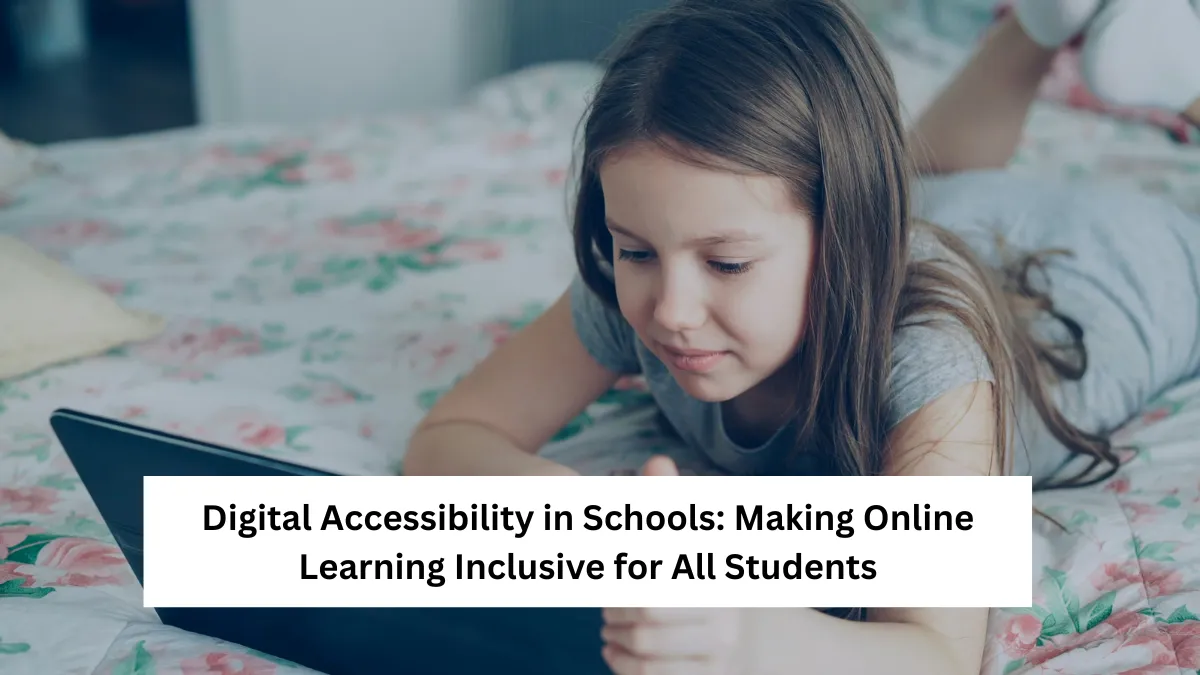
In today’s digital-first world, online learning has become an essential part of education. From virtual classrooms to e-learning platforms, technology now plays a crucial role in how students access information and engage with lessons. Yet, while this digital revolution brings flexibility and innovation, it also introduces a major challenge—ensuring digital accessibility for all learners.
For millions of students with disabilities, online learning can either be an empowering experience or an isolating struggle. When digital platforms are not accessible, these students face barriers that limit participation, communication, and progress. But when accessibility is prioritized, education becomes a truly inclusive space where every student can succeed regardless of ability.

This article explores what digital accessibility in schools means, why it matters, how institutions can implement it effectively, and what strategies educators and policymakers can use to make online learning truly inclusive for all.
What Is Digital Accessibility in Education?
Digital accessibility in education refers to designing and delivering online learning materials, tools, and environments that everyone—including students with disabilities—can use effectively. It ensures that no student is excluded because of visual, auditory, cognitive, or physical limitations.
This includes adapting digital platforms to work with assistive technologies such as screen readers, captioning videos for students with hearing impairments, and creating content that is understandable for those with learning disabilities. The goal is to remove barriers that prevent students from engaging fully with digital resources.
Accessibility in schools is not just about compliance with disability laws; it’s about equal opportunity. When every learner can access digital content with ease, it fosters confidence, engagement, and better academic outcomes.
Why Digital Accessibility Matters More Than Ever
The COVID-19 pandemic drastically accelerated the shift toward digital learning. Overnight, schools worldwide transitioned to online platforms. While this change enabled continuity, it also exposed severe accessibility gaps. Many students with disabilities struggled to participate because of inaccessible materials, uncaptioned videos, or incompatible software.
Digital accessibility is vital because it directly impacts learning equity. Without it, students with disabilities face systemic disadvantages that hinder their academic growth. Beyond legal requirements, accessibility promotes fairness, empathy, and innovation in education.
Moreover, accessible design benefits everyone—not just those with disabilities. Closed captions help non-native speakers and those in noisy environments. Clear text structure aids comprehension for all learners. In essence, accessibility enhances the overall learning experience.
Key Barriers to Digital Accessibility in Schools
Although awareness is growing, many schools still face challenges in making digital learning fully accessible. The barriers often stem from a lack of awareness, training, or technological support.

One of the main issues is inaccessible content. Educators often create materials without considering accessibility guidelines. For example, uploading a scanned PDF without text recognition makes it unreadable for screen readers. Similarly, poorly contrasted colors make it hard for visually impaired students to read content.
Another barrier lies in platform compatibility. Some learning management systems (LMS) are not optimized for assistive technologies, leading to difficulties in navigation or participation. Even simple design choices, such as using images without alternative text, can create exclusion.
Finally, schools often lack adequate teacher training. Many educators are unaware of how to create accessible lessons or adapt materials for students with specific needs. Without proper support and professional development, accessibility remains an afterthought rather than a priority.
Core Principles of Digital Accessibility
Achieving true inclusivity in digital education requires adherence to several fundamental principles that guide accessible design and learning practices.
The first principle is perceivability—information must be presented in ways that all users can perceive. This means text alternatives for images, captions for videos, and adjustable font sizes.
The second is operability—students should be able to navigate and use online materials using different input methods, such as keyboards or voice commands.
The third principle is understandability—content should be clear, organized, and consistent so students can easily comprehend instructions and information.
The final principle is robustness—digital platforms should work reliably across various devices and assistive technologies. Following these principles not only supports accessibility but also enhances usability for everyone.
How Schools Can Implement Digital Accessibility
Schools can take practical steps to make digital learning more inclusive. The first step is adopting accessibility policies that outline clear standards and responsibilities. These policies ensure that accessibility becomes a systemic practice, not an optional feature.
Educators should prioritize using accessible learning management systems that support screen readers, keyboard navigation, and captioning features. When selecting digital tools, schools should evaluate vendors for compliance with accessibility standards.
Creating accessible content is equally essential. Teachers can design materials with readable fonts, high-contrast colors, and descriptive alt text for images. Videos should include accurate captions, and documents should be formatted using proper heading structures.
Training is another key component. Teachers and staff need continuous professional development to understand accessibility tools and inclusive design practices. This training can empower educators to create adaptable materials that meet diverse learning needs.
Lastly, involving students in accessibility feedback helps identify barriers and find effective solutions. Listening to student experiences ensures that changes are both meaningful and practical.
The Role of Technology and Assistive Tools
Technology is the cornerstone of accessible learning. Assistive technologies such as screen readers, voice recognition software, and text-to-speech programs allow students with disabilities to access digital content effectively.
For visually impaired students, tools like NVDA or JAWS convert text into spoken words. Those with hearing impairments benefit from real-time captioning and transcription tools. Students with mobility challenges can use voice commands or alternative input devices to navigate digital platforms.
Cloud-based platforms like Google Workspace for Education and Microsoft Teams now offer built-in accessibility features, making it easier for schools to integrate inclusive tools. The key lies in ensuring that these technologies are properly configured and that students are trained to use them effectively.
When schools invest in assistive technology and inclusive infrastructure, they not only support students with disabilities but also foster digital literacy for all learners.
Building an Inclusive Learning Culture
True digital accessibility goes beyond technology—it’s about culture. Creating an inclusive environment requires collaboration among teachers, administrators, parents, and students.
Schools should adopt a mindset that inclusion is everyone’s responsibility. Accessibility considerations should be embedded in lesson planning, platform selection, and content creation. Educators should actively model inclusive practices, such as using plain language and diverse teaching formats.
Leadership also plays a vital role. Administrators must allocate resources for accessibility initiatives, including staff training, audits, and infrastructure upgrades. When inclusion becomes part of a school’s core values, it inspires innovation and empathy across the educational community.
An inclusive learning culture not only benefits students with disabilities but enriches the entire school ecosystem by fostering understanding, respect, and collaboration.
Future of Digital Accessibility in Schools
The future of education will be deeply digital—and accessibility will be a defining factor in its success. Emerging technologies like artificial intelligence, virtual reality, and adaptive learning systems hold immense potential for personalization and inclusion.
AI-driven tools can automatically generate captions, describe images, or adjust reading levels to match student abilities. Virtual and augmented reality platforms are being developed to provide immersive experiences for students with different sensory needs.
However, as technology evolves, schools must remain vigilant about inclusivity. Ethical design, user testing, and accessibility audits should be integral to every innovation. The goal is not just to keep pace with digital trends but to ensure that all students—regardless of disability—can thrive in a connected world.
Conclusion
Digital accessibility in schools is not just a technical issue—it is a matter of educational equity and human rights. When online learning environments are inclusive, students with disabilities can participate fully, express their potential, and achieve academic success.
By implementing accessibility principles, training educators, and embracing assistive technology, schools can build a system that values every learner equally. The journey toward digital inclusion requires commitment, awareness, and continuous improvement, but the rewards are immense: a learning environment where no student is left behind.
The most important step schools can take today is to view accessibility not as a compliance task but as a moral and educational imperative. The future of education depends on how well we design systems that welcome every student into the digital classroom.
FAQs
What is digital accessibility in education?
It ensures that all students, including those with disabilities, can use and interact with online learning tools effectively.
Why is digital accessibility important in schools?
It promotes equal learning opportunities and helps every student access online content without barriers.
How can teachers make digital lessons more accessible?
By using captions, readable text, clear layouts, and accessible materials designed for all learners.
What are common accessibility challenges in online learning?
Inaccessible PDFs, uncaptioned videos, poor color contrast, and limited assistive tech support.
How does technology improve learning accessibility?
Assistive tools like screen readers, captions, and voice recognition make online education more inclusive.
✨ You May Also Like ✨