
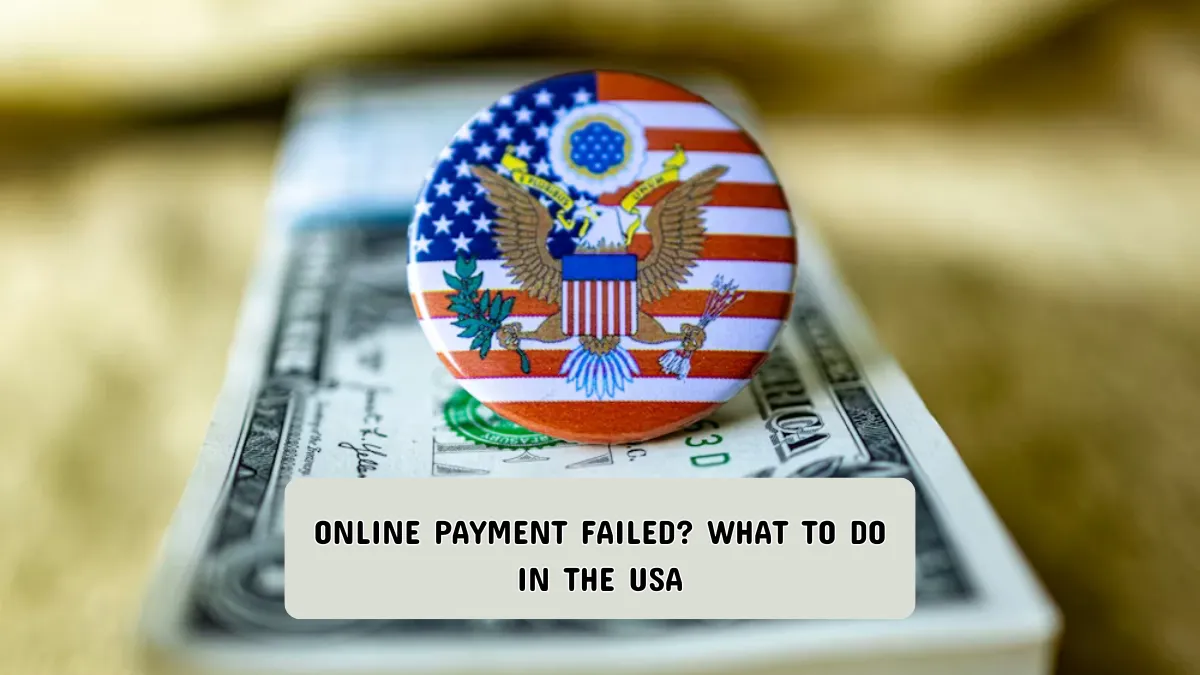
You enter your card details, click “Pay,” and then see an error message: payment failed. It can be confusing and frustrating, especially if you’re trying to pay a bill, order groceries, or book a service.
In the United States, online payment failures are common and usually temporary. Most of the time, the issue can be fixed in a few minutes once you understand what went wrong.


This guide explains why online payments fail and what to do next, using clear steps that work for beginners, students, working professionals, and seniors.
Why Online Payments Fail (Common Reasons)
Before fixing the problem, it helps to understand what usually causes it. In the U.S., online payments often fail for simple technical or security reasons.

Incorrect or Outdated Payment Details
A small typo in the card number, expiration date, or ZIP code can cause a payment to fail. This is very common when using saved cards.
Bank or Card Security Blocks
Banks in the USA often block payments that look unusual, such as:

- A large purchase
- An international website
- Multiple attempts in a short time
This is meant to protect you, but it can stop a valid payment.
Insufficient Available Balance or Limit
Even if your account has money, daily limits or pending transactions can cause a decline.
Website or App Technical Issues
Sometimes the problem is not on your side. Payment gateways and websites can have temporary outages or errors.
Internet or Device Problems
Weak internet, browser issues, or outdated apps can interrupt the payment process.
Step-by-Step: What to Do When an Online Payment Fails
Follow these steps in order. In most cases, the payment works before you reach the last step.
Step 1: Read the Error Message Carefully
Do not close the page right away.
Look for messages like:
- “Payment declined”
- “Verification failed”
- “Try another method”
These messages often give clues about the problem.
Step 2: Double-Check Your Payment Details
Carefully review:
- Card number
- Expiration date
- CVV (security code)
- Billing ZIP code
In the U.S., the ZIP code must match the billing address on file with your bank.
Step 3: Refresh the Page and Try Once More
If the website seems slow or frozen:
- Refresh the page
- Wait 30–60 seconds
- Try again only once
Avoid repeated attempts, as this can trigger security blocks.
Step 4: Check Your Bank or Card Alerts
Many U.S. banks send:
- Text messages
- App notifications
- Email alerts
Look for a message asking you to confirm the transaction. Approving it may allow the payment to go through.
Step 5: Try a Different Browser or Device
If you are on:
- A mobile app → try a browser
- A browser → try another browser or device
Clearing cookies or using a private window can also help.
Step 6: Use a Different Payment Method
If available, try:
- Another debit or credit card
- A digital wallet already linked to your bank
- A trusted payment service accepted by the site
This helps confirm whether the issue is with the card or the website.
Step 7: Check for Pending or Duplicate Charges
Log in to your bank account and look for:
- Pending transactions
- Temporary authorization holds
If you see a pending charge, wait a few hours before trying again.
Step 8: Contact the Merchant or Service Provider
If the payment keeps failing:
- Use the website’s help or contact page
- Ask if they received any payment attempt
- Confirm their payment system is working
This step is useful for bill payments or time-sensitive services.
Step 9: Contact Your Bank or Card Issuer
If nothing works:
- Call the number on the back of your card
- Use your bank’s official app or website
Ask if the payment was blocked and whether it can be allowed.
Common Mistakes to Avoid
These mistakes often make the problem worse or cause confusion.
Trying Too Many Times Quickly
Multiple failed attempts can lock your card for online use temporarily.
Using Public or Unsecured Wi-Fi
Public networks may block or interrupt secure payment pages.
Ignoring Address Mismatch Issues
Even a small difference in your billing address or ZIP code can cause a decline.
Assuming Money Was Taken Immediately
Many failed payments only create a temporary hold, not a completed charge.
Helpful Tips for Future Online Payments
These simple habits can reduce payment failures in the future.
- Keep your card details updated on trusted websites
- Enable transaction alerts from your bank
- Save payment confirmations and receipts
- Avoid rushing during checkout
- Use well-known, secure websites for payments
Frequently Asked Questions (FAQ)
Why did my online payment fail but money shows as pending?
In the USA, pending charges are temporary. If the payment fails, the hold usually disappears within a few business days.
Can an online payment fail due to location?
Yes. Payments made from a new location, device, or IP address may be blocked for security reasons.
How long should I wait before trying again?
Wait at least 10–15 minutes. If you see a pending charge, wait longer or contact your bank.
Is it safe to retry an online payment?
Yes, as long as you:
Avoid repeated attempts
Use secure internet
Confirm no duplicate charges exist
What if the website says “payment successful” but I got no confirmation?
Check your email spam folder and bank activity. If unsure, contact the merchant directly.
Conclusion: Stay Calm and Follow the Steps
An online payment failure can feel stressful, but it is usually easy to fix. In most cases, the issue comes down to security checks, small detail errors, or temporary technical problems.
By checking your information, trying simple fixes, and knowing when to contact the bank or merchant, you can resolve the problem without panic.
Online payments are designed to protect users. A failed transaction is often a safety check doing its job—not a serious issue.
✨ You May Also Like ✨